← All apps
Windows · Preview

Haiwire

A real terminal with AI coding agents beside it. Run commands, work with Codex, Claude Code or OpenCode in project threads, review their changes and edit files, all in one native window.

Screenshots
What it does
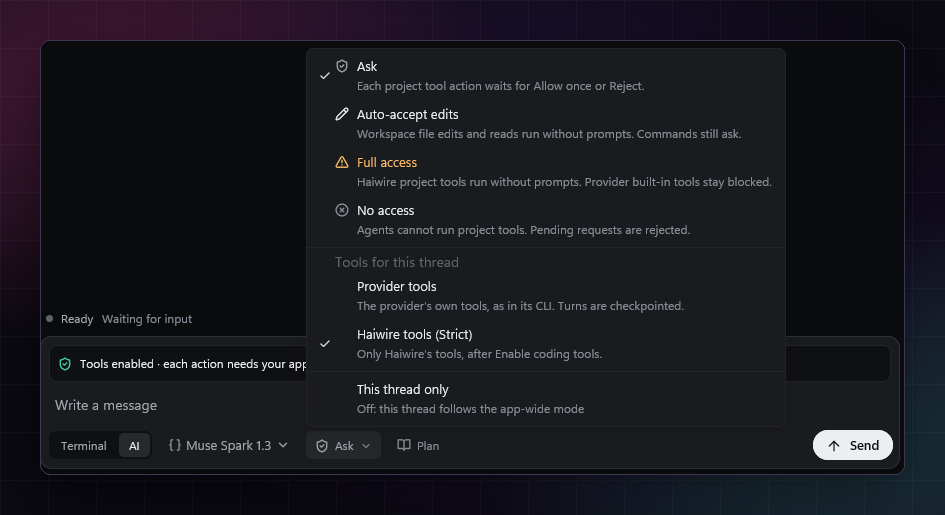
The composer's permission menu with Ask, Auto-accept edits, Full access and No access

Agent threads

Codex, Claude Code and OpenCode work in threads next to your project's terminal.

  • One permission mode for every agent: Ask, Auto-accept edits, Full access or No access.
  • Approval cards show the exact command or file edit before you allow it once or reject it.
  • Each turn gets a checkpoint you can restore, plus Edit from here.
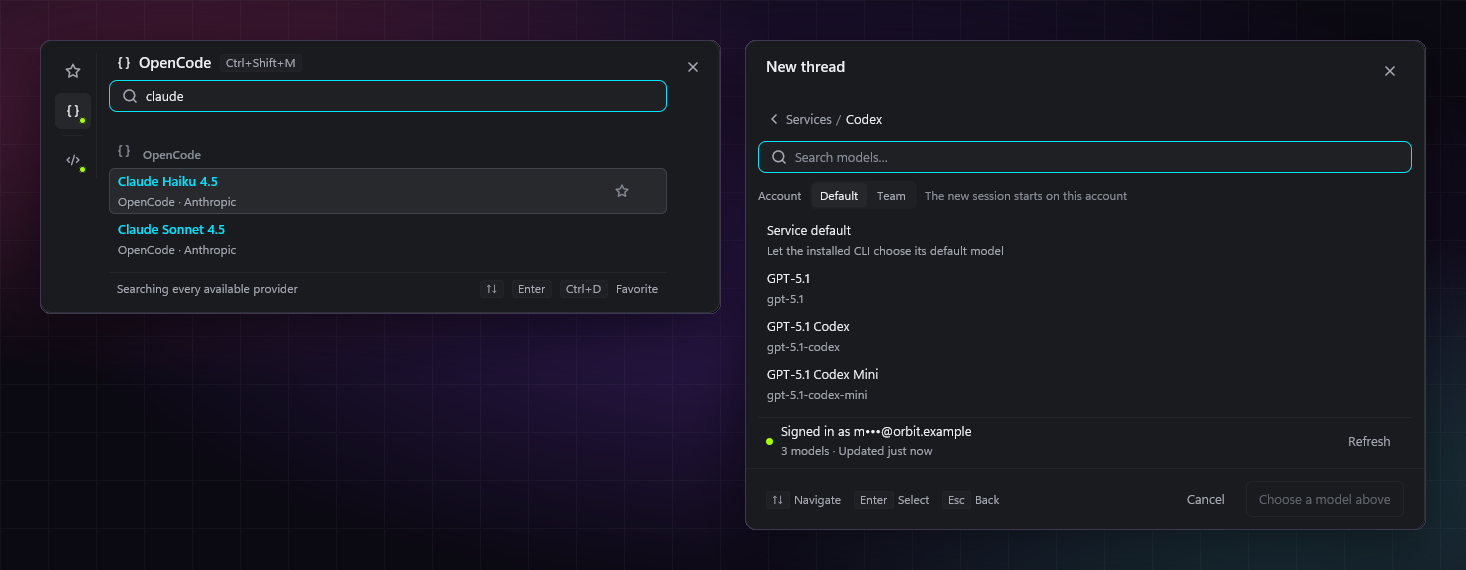
The model picker searching for Claude, next to the Codex account picker

Model picker

Search every model your installed tools offer, from one picker.

  • OpenCode's catalog grouped by provider, with context size and tool support.
  • Several Codex accounts; each lists its own models and emails stay masked.
  • Recent models and favorites first.
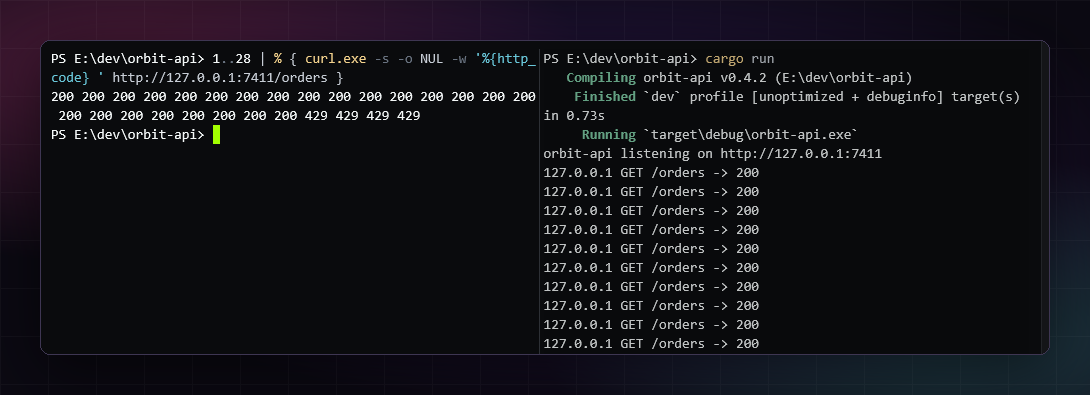
Two terminal panes: curl requests on the left, the server log on the right

Terminal

A real PowerShell 7 terminal, with split panes.

  • Ctrl+Shift+5 splits; each pane is its own shell.
  • Scrollback is saved on this PC and shown, marked as restored, after a restart. It is never run again.
  • Long-running commands can run as tasks with their own output view.
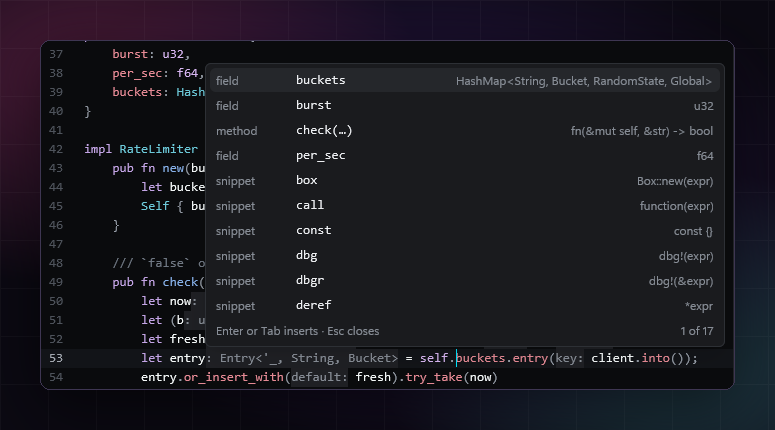
rust-analyzer completion and inlay hints in the editor

Code editor

Open files in tabs, with your installed language servers.

  • Completion, signature help, inlay hints, go to definition and rename.
  • Find and replace, with regex.
  • Markdown preview beside the text, including Mermaid diagrams.
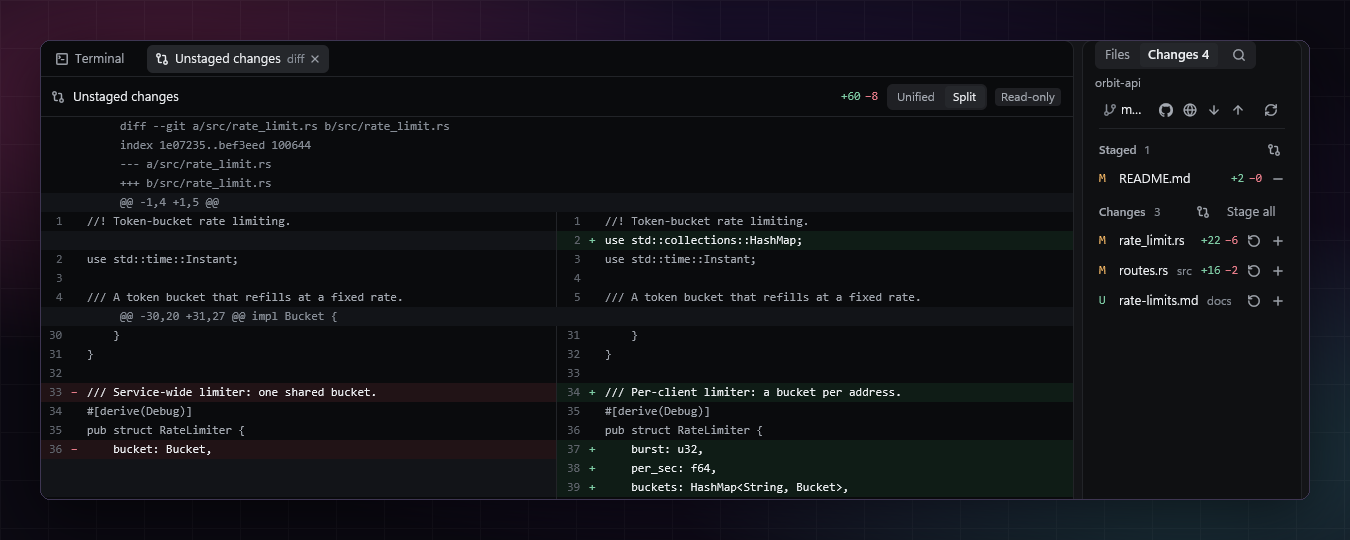
A side-by-side diff and the Changes panel

Git changes

Review what changed before you commit.

  • Staged and unstaged files with line counts.
  • Unified or side-by-side diffs.
  • Stage, commit, fetch, pull and push from the panel.
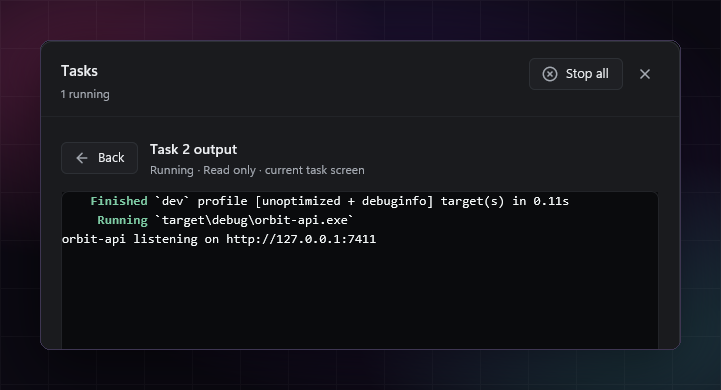
The output of a running cargo run task

Tasks

Run servers and builds as tasks you can watch and stop.

  • Live and recent tasks with exit codes and run times.
  • A read-only output view for each task.
  • Haiwire asks before closing with tasks still running.