Chat in tabs, splits and workspaces
Keep every channel you watch open at once and arrange them the way you like.
- Drag a tab to any edge of a panel to split it, side by side or stacked.
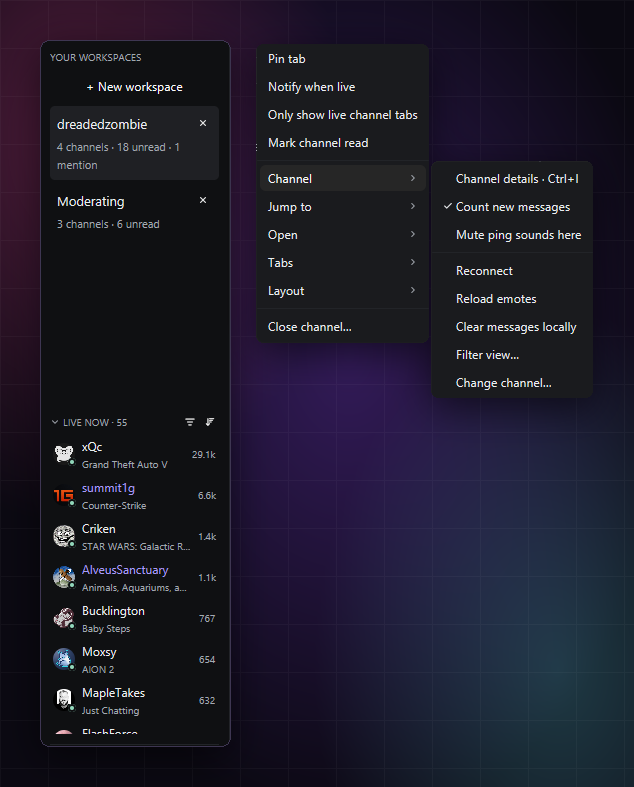
- Workspaces in the sidebar, each with its own tabs, for example one for watching and one for moderating.
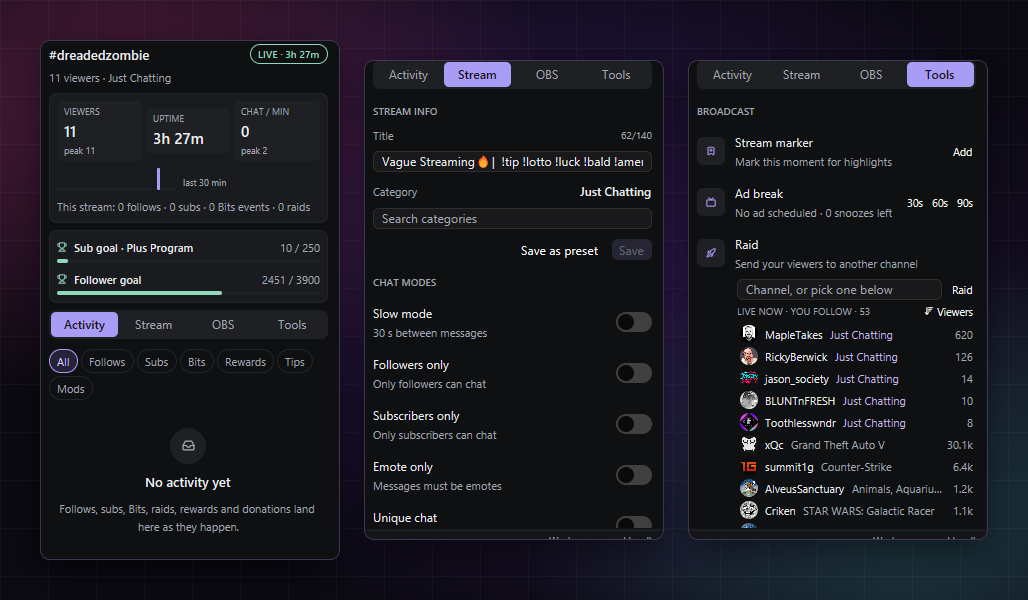
- Live now: the followed channels that are live, with viewers and category, one click from a tab.
- Only show live channel tabs, pin tabs, or pop a channel out to its own window.